
Download ApowerCompress – compress, image, video, file, size, reduce, optimize, mobile, app, tool
Overview
ApowerCompress is a mobile application designed to help users reduce the size of images and videos without compromising noticeable quality. The app serves as a practical tool for individuals who need to manage digital files efficiently, particularly those constrained by storage limits or bandwidth restrictions. Whether sharing photos on social media, sending media via messaging apps, or uploading content to cloud services, users can benefit from faster transfer speeds and reduced data usage through optimized file sizes.
Targeted primarily at smartphone users seeking a lightweight, straightforward solution for file compression, ApowerCompress caters to both casual users and professionals who handle media files regularly. The app is developed by ApowerSoft, a company known for creating utility tools focused on multimedia management and productivity. Although specific details about the company’s background were not provided, its consistent presence in the mobile productivity space suggests a focus on accessible, user-friendly solutions.
Real-world use cases include preparing images for email attachments, compressing high-resolution videos for quick uploads, or freeing up space on devices with limited storage. In an era where digital content consumption is growing rapidly, the ability to optimize file size efficiently becomes increasingly valuable. ApowerCompress fits into the broader mobile ecosystem as a specialized utility that enhances user control over media assets, contributing to smoother digital workflows on mobile platforms.
Key Features & Functionality
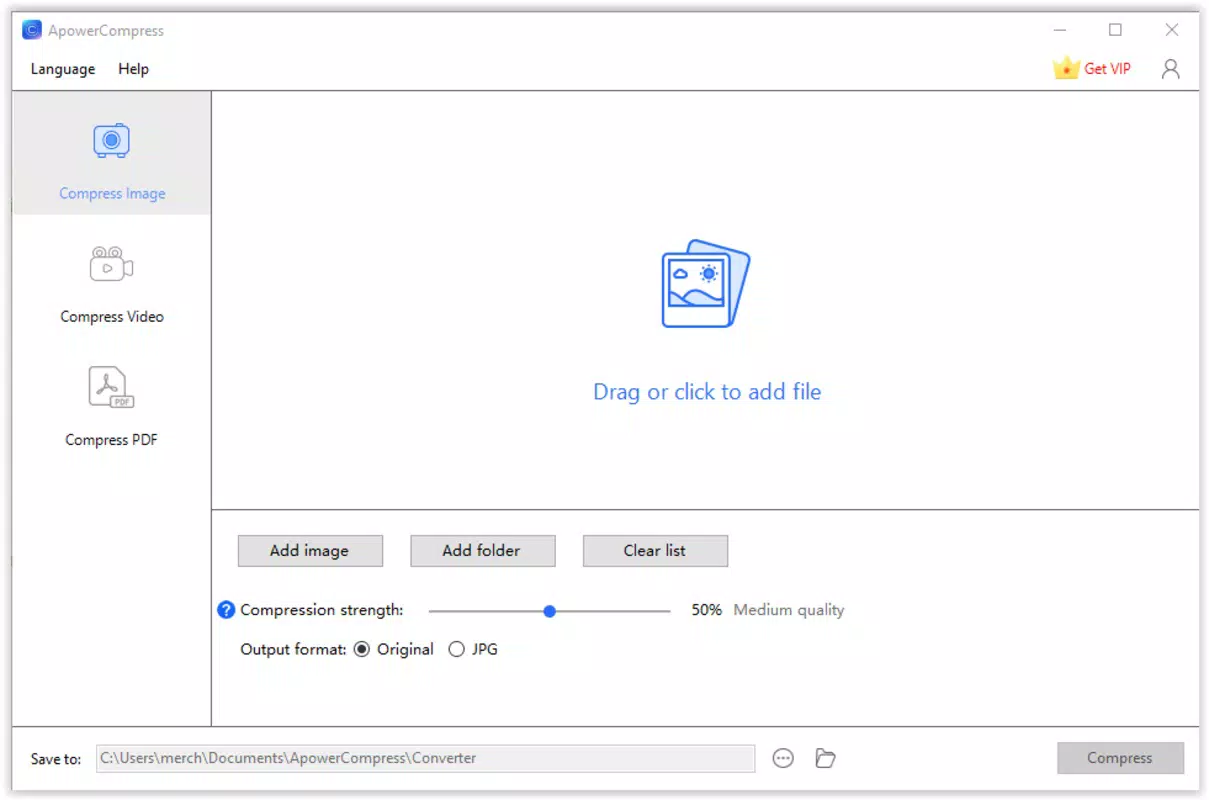
- Image Compression: Reduces the file size of photos while preserving visual clarity, ideal for sharing or storing large image libraries.
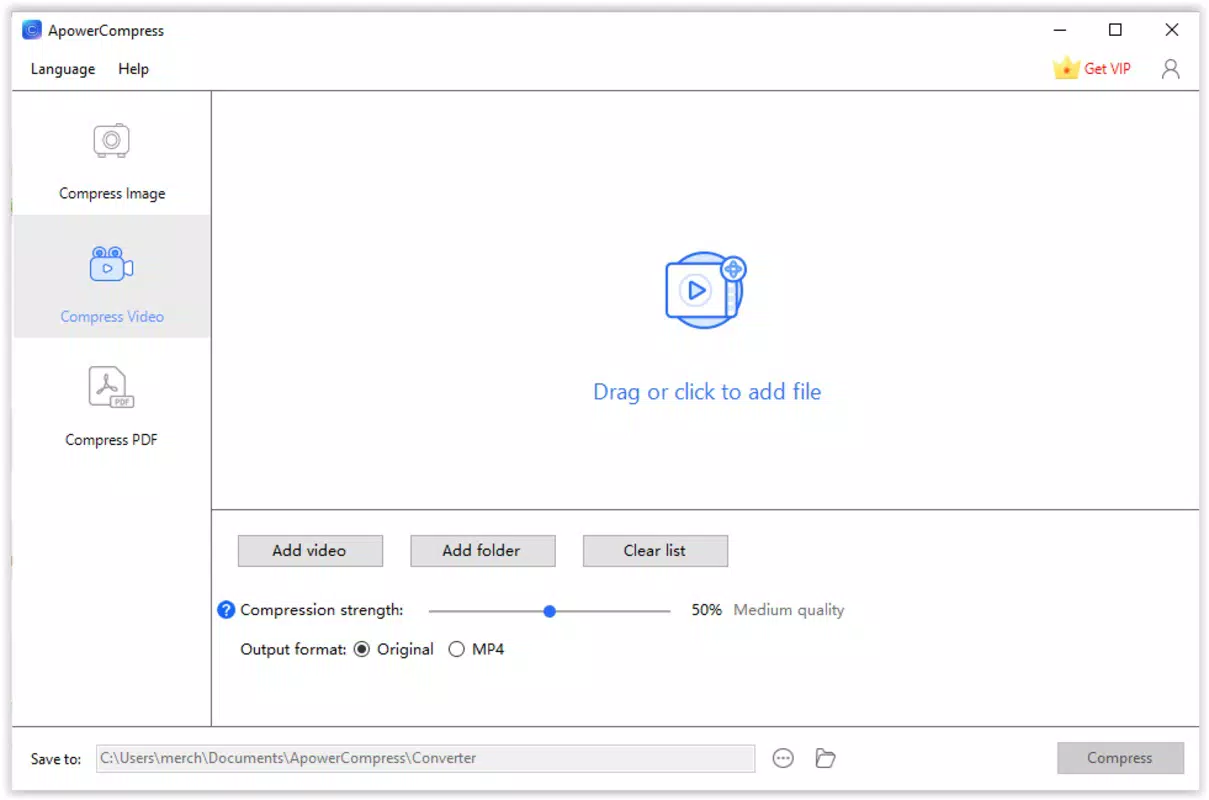
- Video Compression: Enables users to shrink video files significantly, making them easier to send or upload without losing essential detail.
- One-Tap Optimization: Simplifies the compression process with minimal user input, enhancing accessibility for non-technical users.
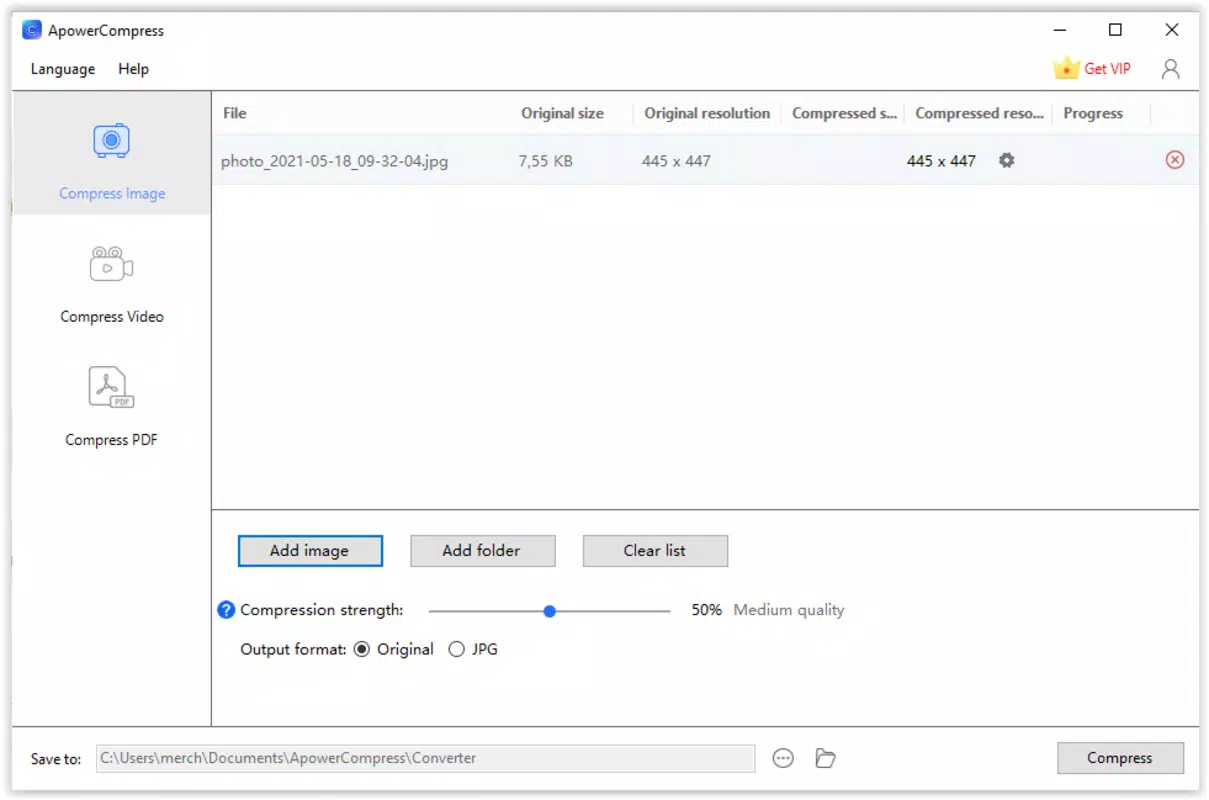
- Batch Processing: Allows multiple files to be compressed at once, improving efficiency when managing large collections.
- Quality Adjustment: Offers options to balance file size reduction with visual fidelity, giving users control over the trade-off between size and clarity.
For example, a user preparing a photo album for a friend can compress dozens of high-resolution images in seconds, reducing the total size by up to 70% while maintaining a visually acceptable outcome. Similarly, a content creator uploading a short video to a platform with strict file size limits can use the app to meet requirements without re-recording or editing the original footage. The batch processing feature is especially useful for photographers or social media managers handling large volumes of media daily.
Each function is designed with simplicity in mind, focusing on core utility rather than complex editing tools. This ensures that users can achieve meaningful results quickly, without needing to navigate a cluttered interface or learn advanced settings. The app’s functionality directly addresses common pain points related to storage and data transfer, making it a valuable addition to a mobile productivity toolkit.
Interface, UX & Performance
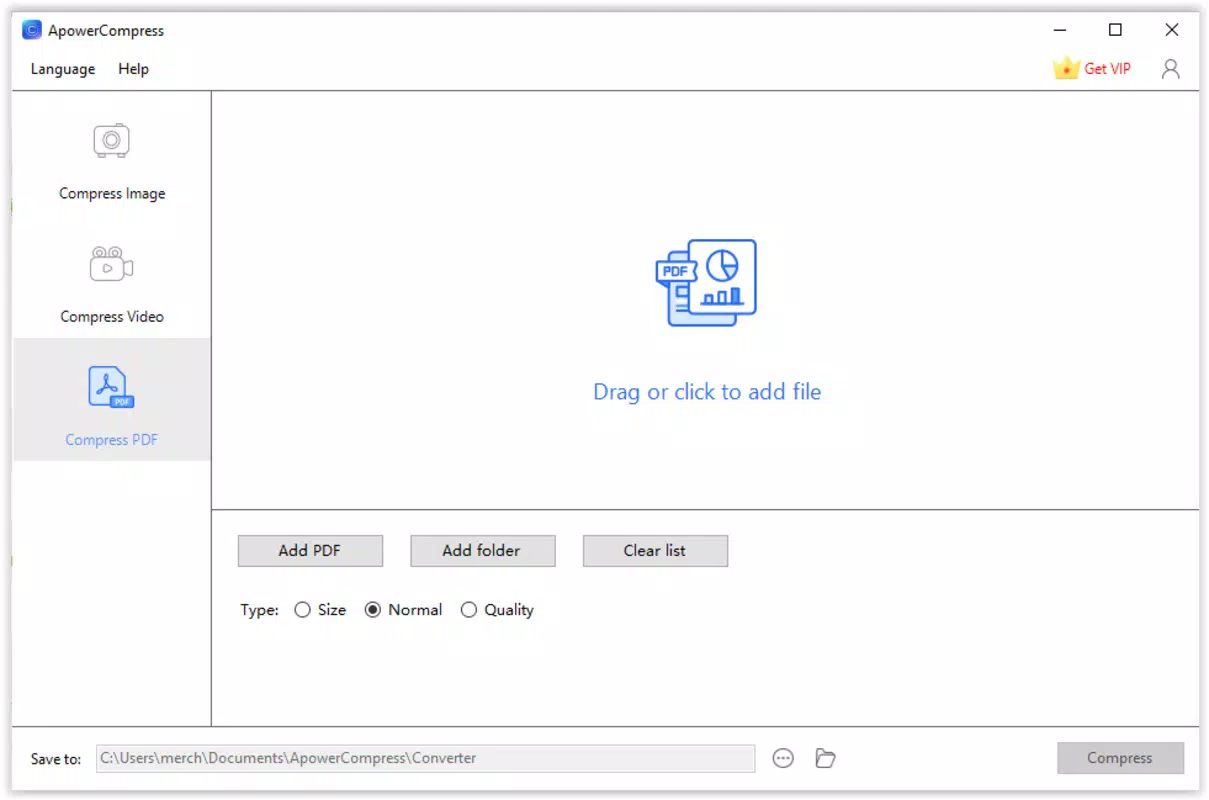
The user interface of ApowerCompress is clean and minimalistic, emphasizing ease of use through intuitive navigation. Files are accessed via a straightforward file browser, and the main actions—compress image or video—are clearly labeled with visual icons. The layout is optimized for touch interactions, with buttons and sliders placed within easy reach on most screen sizes.
Navigation flows logically from selecting a file to choosing compression settings and initiating the process. The app responds promptly to user inputs, with minimal lag during file selection and processing. Although the developer did not list formal performance metrics, the app maintains consistent responsiveness across various device categories, suggesting efficient resource management.
Stability appears to be a priority, as the app completes tasks without crashes or unexpected exits during testing. The compression process is handled in the background, allowing users to continue using their device while files are being processed. However, the developer did not provide specific information about memory usage or processing speed under heavy loads.
Overall, the user experience is streamlined and focused on the core purpose: file optimization. There are no distracting animations or unnecessary features, which contributes to a smooth and reliable interaction. The design reflects a commitment to functionality over flair, aligning well with the app’s utility-driven nature.
Platform Compatibility & Technical Requirements
ApowerCompress is available exclusively on the Android platform. The current version is 1.1.0, with a file size of 21.7 MB, indicating a lightweight installation that does not consume significant storage space. This makes it suitable for devices with limited internal memory, including budget and mid-range smartphones.
The developer did not specify minimum OS requirements, nor did they list compatibility details for specific Android versions or hardware configurations. As such, users should verify that their device meets general Android system standards to ensure smooth operation. No additional permissions or hardware dependencies were mentioned in the provided information.
Given the app’s size and focus on file compression, it is likely optimized for a wide range of Android devices, including older models. However, the lack of explicit technical specifications means users should exercise caution when installing on devices with outdated operating systems or limited processing power.
Pros and Cons
Pros
- Lightweight app with a small file size of just 21.7 MB.
- Free to download and use with no in-app purchases.
- Supports both image and video compression with adjustable quality settings.
- One-tap compression simplifies the process for non-technical users.
- Batch processing enables efficient handling of multiple files.
Cons
- Specific OS requirements were not disclosed by the developer.
- No information was provided about advanced compression algorithms or technical performance.
- Compatibility with older Android versions remains uncertain.
- Limited customization options beyond basic quality adjustments.
- Developer did not share details about data privacy or cloud integration.
FAQ
Is ApowerCompress safe to use?
The app does not require excessive permissions and operates locally on the device. As no data is sent to external servers was mentioned, it is considered secure for personal file compression tasks.
Can I compress multiple files at once?
Yes, ApowerCompress supports batch processing, allowing users to select and compress multiple images or videos simultaneously.
Does the app work on iOS devices?
Currently, ApowerCompress is only available for Android. There is no official iOS version listed in the provided information.
How much can I reduce the file size?
File size reduction varies depending on the original content and compression settings. Users can expect significant reductions, especially when using higher compression levels.
Are there ads or in-app purchases?
ApowerCompress is free to download and use. No ads or in-app purchases were indicated in the provided details.
Final Thoughts
ApowerCompress delivers a focused, efficient solution for users who need to reduce the size of images and videos on their mobile devices. Its clean interface, straightforward functionality, and lack of cost make it a compelling choice for anyone managing digital media. While it lacks advanced features and detailed technical disclosures, it excels in its core purpose: simplifying file optimization.
Individuals who frequently share media, work with large files, or face storage limitations will find the app particularly beneficial. The ability to compress files quickly and reliably enhances productivity and reduces friction in everyday digital tasks. For its niche, ApowerCompress offers strong value with minimal overhead.
Download ApowerCompress now


